SAP Business One ERP for 3D Printing Equipment Manufacturing Industry
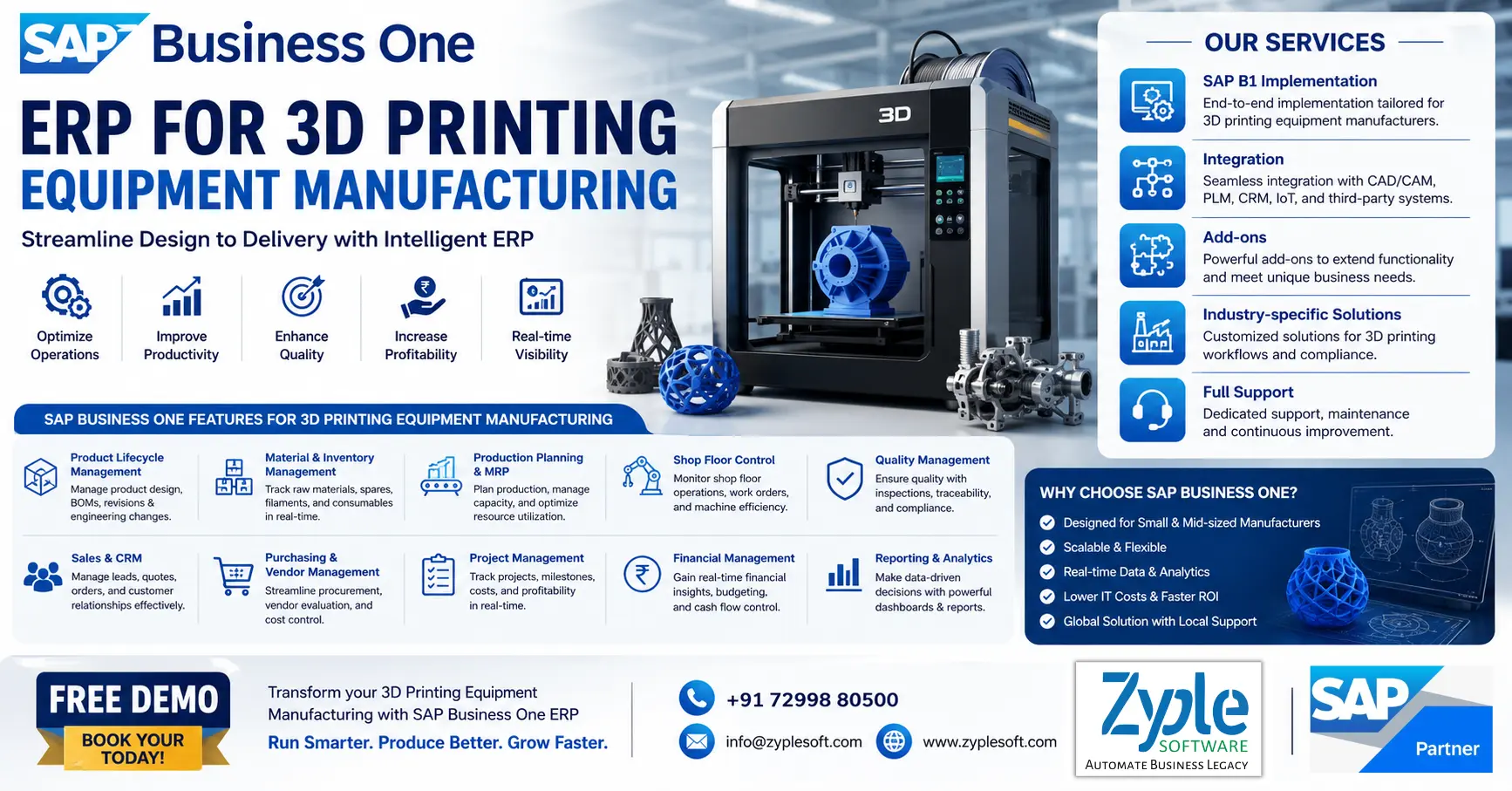
The 3D printing equipment manufacturing industry is changing quickly, and the only way to stay ahead of the competition is to seamlessly integrate innovative manufacturing technologies. Since they frequently demand more resources than larger organizations, small and medium-sized 3D printing equipment manufacturing businesses face specific challenges in this area. SAP Business One ERP for 3D printing equipment manufacturing helps the 3D printing equipment manufacturing businesses to efficiently utilize these technologies, optimize workflows, and improve productivity.
Challenges Faced By The 3D Printing Equipment Manufacturing Industry
The 3D printing equipment manufacturing industry faces severe challenges, including prohibitive capital costs, slow production speeds for mass manufacturing, and limited material selections. Also, manufacturers struggle with labor-intensive post-processing, lack of standardized regulations, intellectual property (IP) vulnerabilities, and skilled workforce shortages.
1. High Initial Investment
Industrial-grade 3D printers involve substantial upfront capital. This high barrier to entry restricts wider adoption among small and medium-sized enterprises (SMEs) and often results in slower ROI for businesses replacing traditional assembly lines.
2. Scalability and Speed Limitations
While excellent for rapid prototyping and custom one-offs, 3D printing struggles to compete with traditional methods like injection molding or CNC machining when scaling for mass manufacturing.
3. Material Constraints
Additive manufacturing depends on a narrower spectrum of printable materials compared to traditional manufacturing. The industry faces ongoing pressure to develop powerful metal alloys and advanced polymers that maintain structural integrity and mechanical properties.
4. Labor-Intensive Post-Processing
Most printed parts are not ready-to-use right off the build plate. Post-processing, such as support removal, surface smoothing, heat treatment, and cleaning, remains heavily manual and time-consuming, driving up operational costs.
5. Lack of Standardization
The absence of universally accepted international standards makes it difficult for regulated sectors like aerospace and defense, automotive, and healthcare to develop consistent quality assurance and regulatory compliance.
6. Intellectual Property (IP) Risks
Because designs are digitized and easily shared, companies continuously battle the risk of IP theft, unauthorized replication, and counterfeiting.
7. Workforce Gaps
Operating and maintaining high-end additive manufacturing hardware involves specialized knowledge. A shortage of trained engineers and technicians capable of optimizing workflows and printer mechanics continues to hinder broader industrial integration.
Features of SAP Business One ERP for 3D Printing Equipment Manufacturing
1. Production Planning and Control
- It includes a multi-level bill of materials (BOM) for complex 3D printer components.
- It includes production order management for custom and batch management.
- It includes routing and work center management for additive manufacturing processes.
- It includes capacity planning and scheduling for optimized machine utilization.
- It includes real-time production tracking and variance analysis.
2. Product Lifestyle and Engineering Integration
- It includes integration with CAD or PLM systems for design-to-production flows.
- It includes engineering change management (ECM) for rapid product iterations.
- It includes version control for 3D printer models and components.
- It includes prototype and R&D cost tracking.
- It includes document management for design files and specifications.
3. Inventory and Material Management
- It includes real-time inventory tracking of filaments, resins, and powders.
- It includes batch and serial number tracking for traceability.
- It includes warehouse management with bin locations and barcode scanning.
- It includes multi-warehouse and multi-location inventory control.
4. Sales, CRM, and Project Management
- CRM for handling OEM clients, distributors, and B2B customers.
- It includes quotation management for customized 3D printing equipment.
- It includes sales order processing with configurable products.
- It includes project management for custom builds and installations.
- It includes opportunity tracking and sales pipeline visibility.
5. Service and Maintenance Management
- It includes installation and commissioning management for 3D printers.
- It includes preventive and corrective maintenance scheduling.
- It includes service contract and warranty management.
- It includes spare parts tracking and service inventory.
- It includes mobile service management for field technicians.
6. Financial Management and Costing
- End-to-end financial accounting like general ledger, accounts payable, accounts receivable, and banking.
- It includes product costing for high-value 3D printers and components.
- SAP B1 modules help in budgeting and financial forecasting.
- It includes multi-currency and multi-country financial management.
- It includes profitability analysis by product, customer, or project.
7. Supply Chain and Procurement
- It includes vendor management for specialized components and materials.
- It includes purchase order automation and approval workflows.
- It includes supplier evaluation and performance tracking.
- It includes supply chain visibility and demand planning.
- It includes integration with logistics and shipping providers.
8. Quality Control and Compliance
- It includes quality inspection at incoming, in-process, and final stages.
- It includes non-conformance and corrective action management.
- It includes compliance with ISO and industry standards.
- It includes test result recording and quality documentation.
- It includes traceability for materials and finished goods.
9. Analytics and Reporting
- It includes real-time dashboards and KPI monitoring.
- It includes customizable reports for manufacturing, sales, and finance.
- It includes predictive analytics for demand and production planning.
- It includes drill-down insights for decision-making.
- It includes integration with business intelligence tools.
10. Integration, Mobility, and Scalability
- It includes integration with IoT-enabled 3D printers and sensors.
- It includes API-based integration with third-party apps.
- It includes cloud and on-premise deployment options.
- It includes mobile access for real-time operations management.
- It includes scalable architecture for growing manufacturing businesses.
Importance of SAP Business One ERP for 3D Printing Equipment Manufacturing
The ERP software, SAP Business One system, is essential for the 3D printing equipment manufacturing industry, as it unifies complex supply chains, optimizes complex bills of materials (BOMs), and delivers real-time tracking of specialized parts. It transforms disconnected workflows into facilitated, automated operations.
Handling production for additive manufacturing requires various precise electrical and mechanical components. SAP Business One provides essential tools customized for this specialized manufacturing sector.
1. Advanced Material Requirements Planning (MRP)
Automatically calculates raw material (e.g., metals, resins, and filaments) needs based on sales forecasts and production lead times to avoid overstocking or downtime with the SAP implementation process.
2. BOM and Engineering Integration
Handles multi-level BOMs, allowing engineering changes to be tracked and updated directly in the system to support flexible product iterations.
3. Serial and Batch Traceability
Evaluates specific components throughout the assembly process for better quality control, compliance, and quick component recalls if necessary.
4. Cost Estimation and Profitability
Captures real-time costs of raw materials, labor, and overhead to ensure profitable pricing of industrial-grade 3D printers using SAP solutions.
5. Integrated CRM and Sales
Connects your sales pipeline to production, enabling better handling of engineer-to-order (ETO) or configure-to-order (CTO) customer requests.
Benefits of SAP Business One for 3D Printing Equipment Manufacturing
The SAP Business One solution streamlines operations for 3D printing equipment manufacturers by centralizing production, inventory, and financials. It eliminates data silos, automates material planning, and ensures the exact components are available to assemble complex, highly customized machinery on time.
1. Precise Bill of Materials (BOM) Management
3D printers require complex mechanical, electronic, and software assemblies. SAP software enables you to build multi-level BOMs to track every sub-assembly and raw material accurately.
2. Automated Material Requirements Planning (MRP)
Prevents expensive production obstacles. The MRP wizard forecasts demand, evaluates stock levels, and automatically triggers purchase orders or production schedules.
3. Serial and Batch Traceability
Easily tracks high-value parts, extruder nozzles, or laser components by their serial numbers from procurement to the final assembled machine for better quality control using SAP B1 add-ons.
4. Order-Driven Production
Seamlessly converts sales orders for custom-built 3D printers directly into production orders without manual data entry.
5. Real-Time Costing
Instantly views the actual material, labor, and overhead costs associated with a specific machine, giving you accurate profit margin analysis on every sale.
Conclusion of 3D Printing Equipment Manufacturing ERP
As a Top SAP Business One partner, Zyple Software is delivering services like SAP B1 implementation, licensing, integration, add-ons, and support to different industries, like construction, manufacturing, solar, jewellery, food and beverage, aerospace, retail, pharma, and textiles.
SAP Business One is an ERP customized for small and medium-sized businesses that connects finance, procurement, inventory, production, sales, CRM, and reporting into one platform. For 3D printing equipment manufacturing or any other companies, it can improve project costing, procurement, subcontractor billing, and inventory management.
If you’re adaptable, reserve a demo of SAP Business One.
Do you look for the SAP B1 ERP system for your business or industry?
Finish all the details in the arranged contact form; our team will return to you.
FAQs
1.How can SAP Business One ERP improve efficiency in my 3D printing equipment manufacturing business?
SAP Business One streamlines your entire operation, from production planning and inventory management to sales and finance, helping you reduce delays, optimize resources, and increase overall productivity. With real-time insights, you can make faster and smarter business decisions.
2.Is SAP Business One customizable for my specific 3D printing manufacturing requirements?
Yes, SAP Business One is highly flexible and can be tailored to your unique manufacturing processes, including custom machine configurations, material tracking, and workflow automation for 3D printing operations.
3.What is the cost of implementing SAP Business One for a 3D printing equipment company?
The cost depends on factors like the number of users, required modules, and customization needs. However, SAP Business One is a cost-effective ERP solution for small and medium-sized manufacturers, offering high ROI through improved efficiency and reduced operational costs.
4.How long does it take to implement SAP Business One in a 3D printing manufacturing setup?
SAP B1 implementation timelines generally range from a few weeks to a few months, depending on the complexity of your processes. With the right SAP B1 implementation partner like Zyple Software, the deployment can be smooth and quick.
5.How can I get a demo of SAP Business One for my 3D printing equipment business?
You can request a personalized demo from an authorized SAP Business One partner like Zyple Software. An SAP B1 demo will help you understand how the ERP fits your business needs and how it can transform your manufacturing operations.