How To Migrate SAP Business One From SQL To HANA?
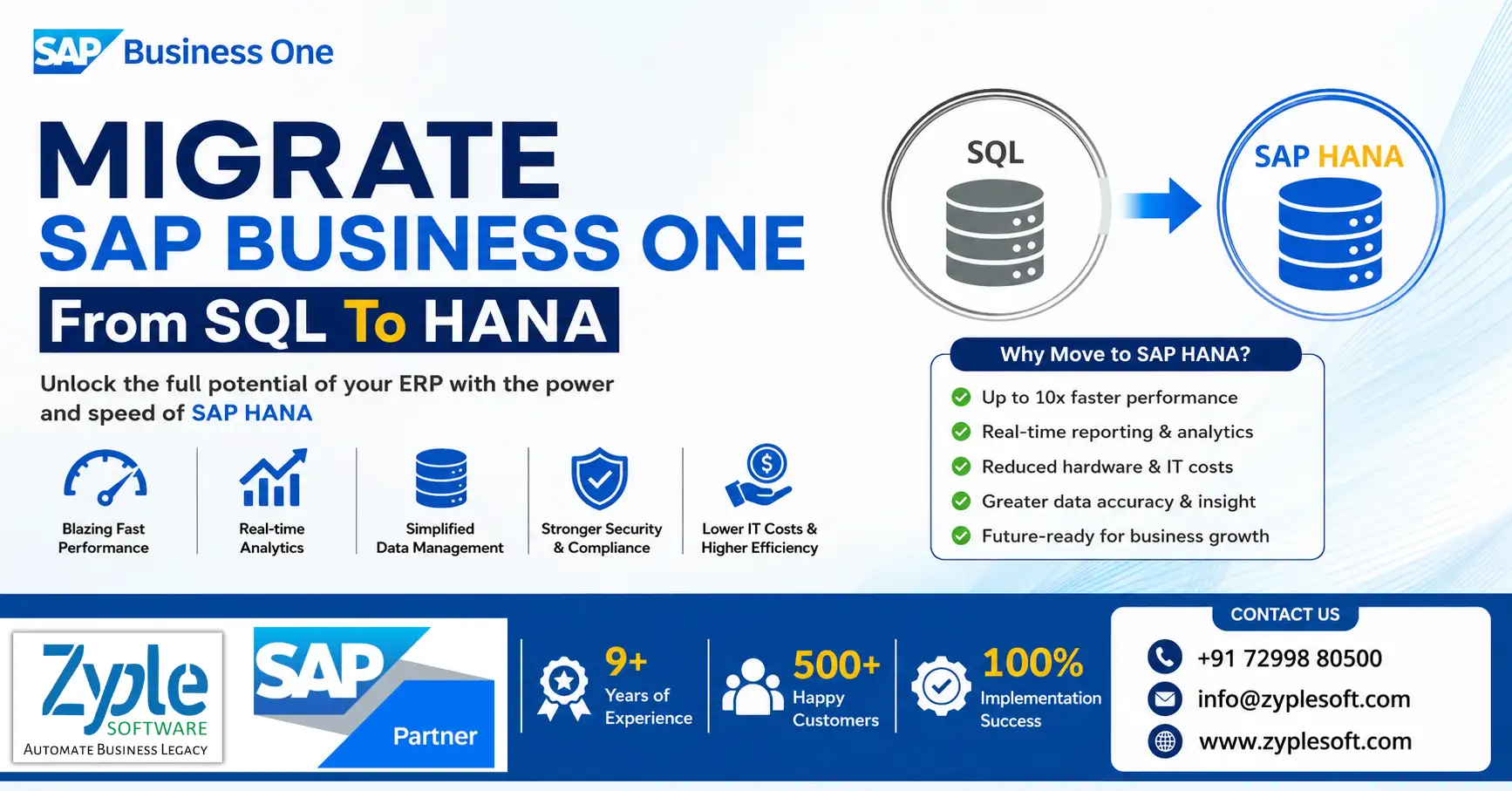
As businesses expand, the demand for flexible, secure, and high-performing enterprise resource planning (ERP) systems grows. SAP Business One (SAP B1) is a top choice for small and medium-sized enterprises (SMEs), providing powerful functionality across finance, sales, operations, and inventory management. With digital transformation accelerating, many companies are migrating their SAP Business One systems from SQL to HANA. Here, we’ll discuss how to migrate SAP Business One from SQL to HANA.
Steps in Migrating SAP Business One from SQL to HANA
Migrating SAP Business One from Microsoft SQL Server to SAP HANA involves running the official SAP Business One Migration Wizard on a Windows environment to reformat the company schema for a Linux-based HANA database.
The migration requires structural changes, data preparation, hardware adjustments, and query optimization. Here are the stages in the migration process.
1. Environment and Prerequisites Setup
Before starting the migration, set up the target environment and verify compliance with SAP Help Portal guidelines. Target server provides a certified SAP HANA hardware node running SUSE Linux Enterprise Server (SLES). Drivers and clients help in installing the 64-bit SAP Machine 21 (and outlining its path), the 64-bit SAP HANA database client for Windows, and the matching MS SQL Server native client. System cleanliness closes all SAP Business One active clients and completely eliminates all system and third-party add-ons to avoid schema corruption during migration.
2. Running the Database Migration
The migration wizard converts database formatting from Transact-SQL structures to SAP HANA-improved tables. Backup source data takes a clean, complete backup of your live MS SQL production database. To execute the wizard, open the SAP Business One Migration Wizard from the upgrade package on your Windows machine. To outline instances, define the source Microsoft SQL server parameters and connect them to the target SAP HANA System Landscape Directory (SLD). Choose the specific company schemas to migrate. The wizard will automatically outline the tables and convert the structural format. Run the SAP Business One upgrade package on the target HANA instance to elevate the newly migrated database to the selected final version (e.g., SAP Business One 10.0) after the post-migration upgrade.
3. Code and Analytical Customization
The built-in wizard only manages native SAP software structures and system tables. Custom elements must be adjusted manually due to dialect variations. In SQL script conversion, Transact-SQL (MS SQL) is case-sensitive, whereas SAP HANA SQL Script is strict and Unicode-dependent. You must convert custom queries to meet HANA specifications. Manually re-coding and migrating custom views, native functions, and the core transaction notification query (SBO_SP_TransactionNotification) using system objects. User customizations help in auditing and configuring all formatted searches, user-defined queries, alerts, and print layouts. Reporting tools like Crystal Reports, analytic dashboards, and semantic layers to point to the new HANA calculation views.
4. Component Deployment and Go-Live
Uninstall all outdated Windows-based server components via the control panel. Install the latest HANA-compatible client versions on end-user machines. Manually move shared server resources, such as the attachments folder (B1_SHR), from the old SQL server environment to the new Linux directory. Revise custom add-ons using the service layer or HANA UI or DI APIs, then re-register them. Run user acceptance testing (UAT) in a test environment to verify balance sheets, custom logic, and peripheral connectivity before spotting production traffic to HANA.
SAP Business One vs. SAP Business One SQL: Which Is Better For Running SAP B1?
Let’s look at some SAP Business One on HANA features unavailable on SAP Business One SQL.
- Additional analytical tool features encompass pervasive analytics, interactive analytics, and the analytical portal.
- Intelligent forecasting and delivery schedule management enable you to confirm the status of purchase orders, choose alternative products, accelerate selected orders, and reschedule sales orders.
- Enterprise-wide SAP B1 HANA features cover in-memory technology and real-time data aggregation.
- Easy integration with the SAP OData web protocol for developing external web technologies such as HTTP. This helps in accessing information from external applications, platforms, and devices.
- Built-in dashboards for business capabilities such as financials, sales, marketing, and customer service.
- Real-time forecasting of cash flows with a graphical representation can facilitate your cash flow management with proper timelines and accurate reporting.
- Enterprise search engines like Google enable you to search the SAP B1 HANA database for documents, business partners, and other data.
- Ad-hoc and interactive data analysis for increasing end-user productivity and insights.
Also, the analytical portal functionality available only in the SAP Business One ERP HANA version enables you to
- Publish and share your documents to MS Excel and SAP Crystal Reports.
- Present only authorized reports to any portal user.
- Download the authorized documents in different formats, including MS Excel, PDF, and HTML.
- Run the documents on multiple devices, including web clients and mobile devices.
- Support both on-premises and on-demand users.
- Schedule the automatic downloading of documents daily, weekly, and monthly, or whenever you need them.
Benefits Of Migrating SAP Business One From SQL To HANA
1. High Performance and Scalability
As we know, SAP B1 HANA can store essential data in its memory against MS SQL, which must be retrieved from its hard disk storage. This makes it possible for SAP B1 HANA to deliver high performance and processing power for SAP B1 users to access and analyze their data much faster for any use case with the SAP Business One implementation process.
2. Stability
The question is whether SAP B1 HANA is stable as a new technology. As the database technology, SAP HANA has been around since 2010 and was initially used only for high-end SAP applications. In 2012, SAP B1 HANA was integrated into SAP B1 applications. On its own, the SAP B1 HANA tool is being used by over 16,300 global customers.
3. Cost
The next consideration is if the B1 HANA license fees are more expensive than SQL. Crucially, the license fees for SAP Business One are the same for both databases. The license fees for both SAP B1 HANA and MS SQL are competitive at the basic level. However, SAP B1 SQL fees for an enterprise-level package are much higher than for SAP B1 HANA. SAP B1 HANA does cost more when you run it on an on-premises server, as it needs a server with a specialized configuration that allows it to process data much faster.
4. Server Configuration
Does SAP B1 HANA need a high-end server to run compared to MS SQL. SAP B1 HANA needs a configuration certified by SAP configuration especially customized to run SAP B1 HANA. All leading server manufacturers provide these using SAP Business One solutions.
5. Cloud Compatibility
The next question is if the SAP Business One ERP on HANA solution is available on the cloud and if it is more expensive. The answer is yes. SAP Business One ERP on HANA is available as a subscription-based cloud plan. Alternatively, a customer can launch the application (HANA-based) on a server in a data center.
6. Business Requirement
Which is better for SAP Business One – HANA or SQL? This question is best answered after analyzing the customer’s nature of business, the complexity of the business processes, the quantum of data and reports that need to be processed, and the inherent need for business analytics in essential decision-making.
7. Business Intelligence (BI) and Analytics
Which database is better when it comes to BI and analytics capabilities? On its part, SAP B1 on HANA does not separately need a database system for running analytics. Due to in-memory data storage, business intelligence (BI) tools like SAP Lumina or Crystal Reports can directly access the stored data and perform real-time analytics without any performance drop.
This integrated capability creates less complex IT infrastructures, as BI reports can be created dynamically and executed directly on the SAP B1 ERP tool.
8. Additional Benefits
While MS SQL and SAP HANA both support SAP B1, enterprises running SAP Business One on HANA can benefit from the following capabilities not available on SQL:
- Over 50 pre-packaged dashboards and KPIs.
- Excel-powered interactive analysis for slicing and dicing business datausing SAP Business One add-ons.
- Enterprise search functionality for quickly retrieving information without opening multiple files.
- Business forecasting capabilities, including cash flow and inventory forecasts.
9. Future Scope
As an ERP software, migrating SAP Business One from SQL to HANA database improves the in-memory capabilities of SAP B1 ERP. Future possibilities for better mobility, scalability, and dashboard reporting features look positive for SAP B1 HANA. Businesses using SAP innovation should invest in SAP Business One tools for future benefits.
Conclusion of Migration of SAP Business One from SQL to HANA
As an official SAP Business One partner, Zyple Software is delivering services like SAP B1 implementation, integration, migration, licensing, add-ons, digital transformation, and support to different industries, like construction, manufacturing, solar, food and beverage, aerospace, oil and gas, healthcare, retail, jewellery, pharma, and textiles.
SAP Business One is an ERP software customized for small and medium-sized enterprises that connects finance, production, inventory, material requirements planning (MRP), procurement, sales, CRM, and reporting into one platform. For construction businesses, it can improve project costing, procurement, subcontractor billing, and inventory management.
If you’re fascinated, register a demo of SAP Business One.
Do you insist on the SAP B1 ERP system for your business or industry?
Finish all the details in the classified contact form; our team will return to you.
FAQs
1.How can I get a free assessment for SAP Business One SQL to HANA migration?
Certified SAP Business One partner like Zyple Software provides a free system assessment to evaluate your current SQL setup, database size, and migration readiness. This helps you understand the exact scope, timeline, and cost before beginning the migration.
2.Can I get a customized quote for my SAP B1 HANA migration?
Yes, migration costs differ based on your business size, users, and customizations. You can request a personalized quote from an SAP B1 professional to get accurate pricing customized for your requirements.
3.Do SAP B1 partners provide end-to-end migration support?
Absolutely. A trusted SAP Business One partner like Zyple Software handles everything from system analysis and data migration to testing, go-live, and post-migration support, ensuring a seamless and risk-free transition.
4.Is there a demo available before migrating to SAP B1 HANA?
Yes, many SAP B1 partners like Zyple Software provide live demos or proof-of-concept sessions to showcase the performance, analytics, and real-time capabilities of SAP B1 HANA before you make a decision.
5.How can I contact an SAP Business One expert for migration support?
You can easily connect with official SAP B1 consultants through website contact forms, consultation bookings, or direct inquiries. This helps you gain expert guidance and start your migration journey quickly.