How to Track Production in Manufacturing Industry
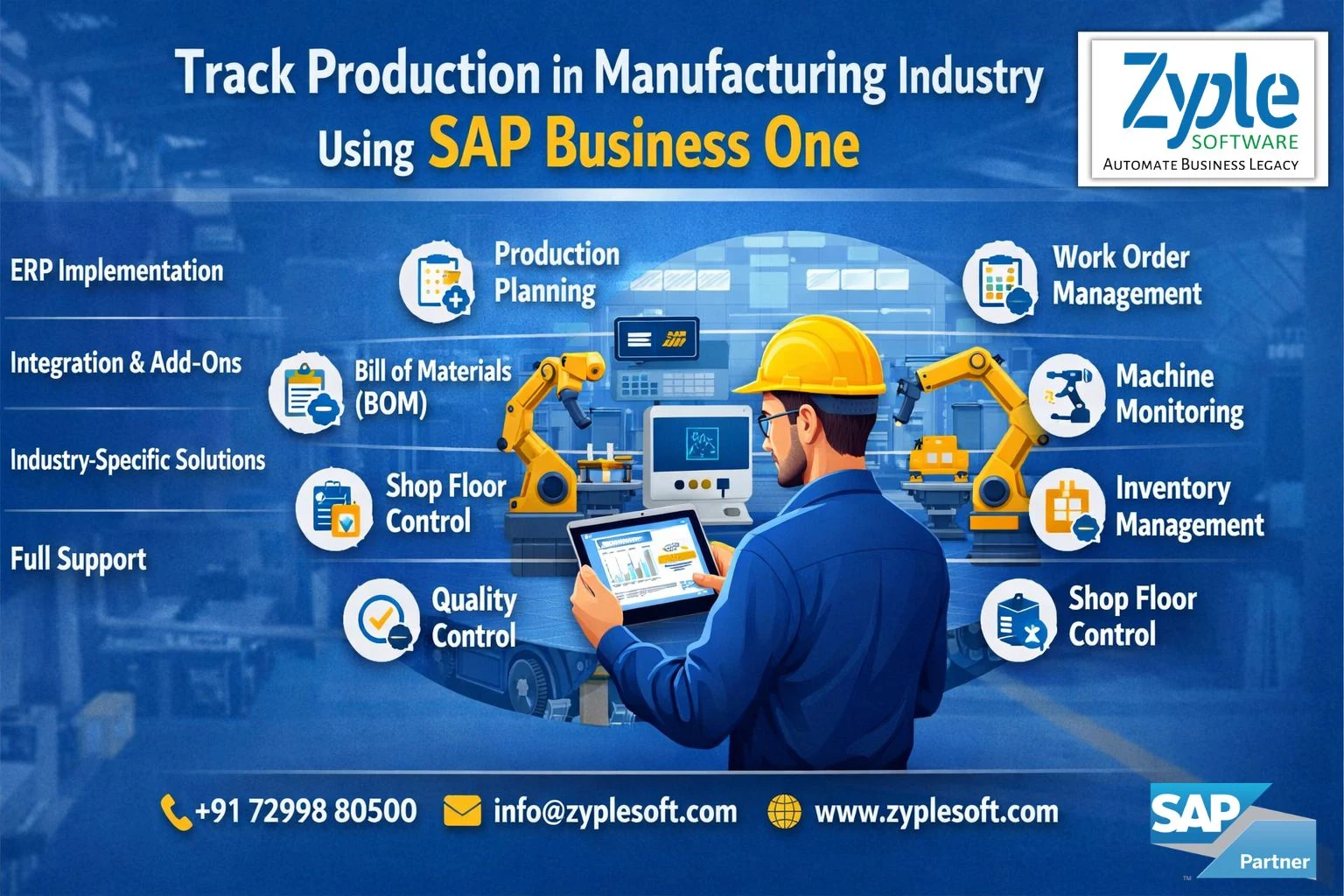
In the highly competitive landscape of modern manufacturing, tracking production is essential for ensuring cost efficiency, minimizing costs, and maintaining accountability. It’s essential to have the solution for tracking production, and helps companies to encounter challenges when striving to implement effective production tracking strategies. Here, we’ll discuss how to track production in manufacturing industry.
What is Production Tracking?
Production tracking refers to the systematic process of monitoring, recording, and analyzing different aspects of the production process. This covers data related to the quantity of goods produced, the quality of products, equipment utilization, labor productivity, and the overall performance of the manufacturing operation.
The objective is a real-time overview of the production process, allowing manufacturers to make better decisions, handle issues promptly, and improve operations. Production tracking involves collecting data at different stages of the manufacturing process, such as raw material input, work-in-progress, and finished product output.
The data is analyzed to evaluate performance, identify obstacles, and improve efficiency. Key performance indicators (KPIs) are often used to measure production success and define where improvements can be made.
Which is the Best Production Tracking Software?
SAP Business One (SAP B1) is the best software for production tracking. It serves as an effective, integrated production tracking software for small and medium-sized manufacturing companies, providing tools to handle bills of materials (BOMs), production orders, and inventory. It tracks raw material consumption, resource utilization (machinery or labor), and finished goods, delivering real-time shop floor visibility and cost control.
Why is Production Tracking Important in Manufacturing?
Production tracking plays an important role in manufacturing for various reasons:
1. Efficiency Optimization
By tracking production, manufacturers can identify inefficiencies and obstacles in their processes. This enables real-time adjustments, leading to increased production efficiency.
2. Quality Control
Utilizing production tracking improves quality control in manufacturing by allowing the monitoring of product standards at every production stage. This systematic approach ensures early detection of any deviations or defects, significantly reducing the risk of producing and distributing inferior products.
3. Resource Allocation
Production tracking delivers insights into resource utilization, including labor, materials, and machinery. With this data, manufacturers can assign resources more effectively, minimizing waste and improving cost efficiency using SAP implementation.
4. Real-Time Decision-Making
Access to real-time data enables manufacturers to make better decisions on the go. This is specifically essential in a dynamic manufacturing environment where conditions can change rapidly.
5. Predictive Maintenance
Production tracking can assess equipment health and schedule maintenance based on usage and wear, minimizing unplanned downtime.
6. Customer Satisfaction
Achieving production targets and delivering high-quality products on time is necessary for customer satisfaction. Production tracking helps ensure manufacturers achieve their commitments.
7. Data-Driven Continuous Improvement
Production tracking data can identify trends, review historic performance, and drive continuous process improvement initiatives.
8. Accountability and Compliance
In regulated industries, tracking production using SAP software is essential to meet compliance requirements and demonstrate due diligence.
9. Inventory Management
Effective production tracking helps in maintaining optimal inventory levels, avoiding overstock or shortages of raw materials or finished goods.
Steps of How to Track Production in Manufacturing Industry Using SAP Business One
Embarking on a journey to track production digitally provides undeniable advantages, from improved efficiency to optimized accuracy. Digital production tracking using SAP Business One is not just a trend; it’s a necessity in today’s fast-paced manufacturing environment. Whether you’re starting from scratch or aiming to upgrade to SAP B1 ERP, here are some of the steps you might have to go through:
1. Machine Connectivity Assessment
Before implementing digital production tracking using the SAP Business One solution, it’s necessary to determine whether your machines have the essential connectivity features.
Some modern machines come with built-in connectivity options, while older equipment may require extra hardware or sensors for data capture. Ensure that the machines are capable of transferring relevant data.
2. Machine Connection
If your machines need connectivity enhancements, the next step is to connect them to your digital tracking system. This often involves installing IoT devices, sensors, or other hardware components that can gather data in real time.
If you need help connecting your machines, we offer an edge device that makes it easy to connect them to the cloud.
3. Data Extraction
Once your machines are connected, the collected data must be extracted and transmitted to the SAP Business One system. This data covers information about production rates, machine status, quality metrics, and more.
4. Data Processing
The raw data collected can be large and complex. To make it beneficial, it must undergo processing. This step involves refining and structuring the data to extract the specific data points you need for the SAP B1 ERP solution. This can include relevant key performance indicators (KPIs) and other necessary metrics.
5. Utilize Production Tracking Software
You may implement dedicated production tracking software or systems like SAP B1 ERP at this stage. This ERP platform is designed to improve the data collection, processing, and analysis processes. They deliver user-friendly interfaces for real-time monitoring and reporting, eliminating the need for manual data manipulation.
Benefits of Tracking Production in Manufacturing Industry Using SAP Business One ERP
Tracking production in manufacturing using SAP Business One (SAP B1) ERP delivers real-time visibility, automated inventory management, and improved cost control. It facilitates workflows from raw materials to finished goods, reducing obstacles and improving efficiency through integrated, data-driven decisions.
1. Real-Time Visibility and Control
Manufacturers gain immediate insights into production orders and WIP (Work-In-Progress), enabling them to monitor performance and identify obstacles instantly.
2. Inventory Optimization
The SAP B1 system delivers accurate tracking of raw materials and finished goods, minimizing stockouts and overstock scenarios.
3. Cost Management and Efficiency
By tracking material consumption and labor, firms can minimize waste and optimize production costs using SAP solutions.
4. Improved Scheduling and Planning
Material requirements planning (MRP) tools help align purchasing and production with demand, leading to prompt delivery.
5. Quality Control and Compliance
Batch serial number tracking from raw material input to final shipment ensures thorough quality management and regulatory compliance.
6. Facilitated Data Management
Integrates manufacturing, accounting, and sales data, eliminating manual errors and disjointed spreadsheets.
7. Improved Decision-Making
Access to accurate, inclusive reports enables managers to make better, fast decisions to improve productivity.
Conclusion of Tracking Production in Manufacturing Industry Using SAP Business One
Zyple Software is an authorized SAP B1 partner in India specializing in implementation, digital transformation, migration, licensing, add-on solutions, integration, and consulting for the manufacturing industry. Production tracking is an essential practice in modern manufacturing using SAP B1 ERP. It provides various benefits, from optimizing efficiency and quality to reducing costs and maintaining accountability.
If you’re absorbed, you can book a demo of SAP Business One.
Are you seeking the SAP Business One ERP software for your business or industry?
Fill in all the details in the arranged contact form; our team will get back to you.