SAP Business One FEFO Expiry Tracking Configuration
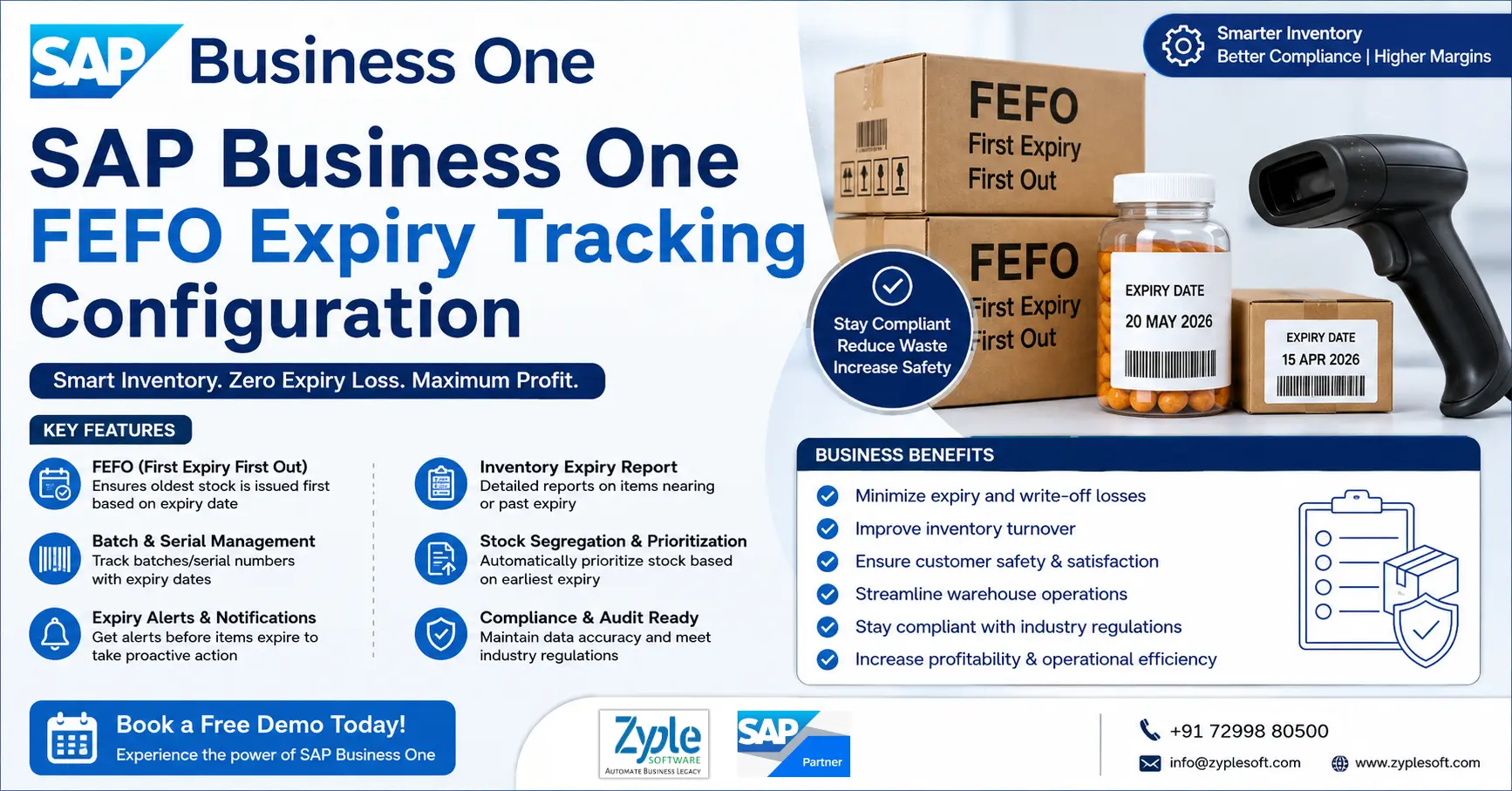
Inventory control is one of the most essential tasks for companies dealing with perishable or regulated products. Businesses such as pharmaceutical, food and beverage, cosmetics, and chemical companies must track product batches and expiry dates thoroughly to maintain compliance and minimize losses. This is where SAP Business One FEFO expiry tracking configuration becomes extremely crucial. SAP Business One provides built-in tools that enable businesses to track batch numbers, handle expiration dates, and monitor inventory movement from procurement to delivery.
Why Does FEFO Expiry Tracking Matter?
In FEFO expiry tracking, a quantity and a location are enough. For batch-controlled goods, they are not, because two units of the same item are not interchangeable, because one may be fresh and one may be days from expiry, one may have passed inspection, and and one may be on hold. The lot layer logs the difference. Every lot or batch carries its own batch number, production date, expiry date, and status, and its own quantity and rate, so the system knows not only how much you have but also which stock it is.
1. Ordered Consumption
Issues the right lot first, so shelf life is used before it expires.
2. Traceability
Traces a dispatched or consumed lot back to the receipt and supplier batch it came from.
3. Segregation
Hold, quarantines, or blocks a suspect lot without touching the rest of the stock.
Features of SAP Business One FEFO Expiry Tracking Configuration
1. FEFO-Based Inventory Issue Management
- It automatically prioritizes items with the earliest expiry date during picking, delivery, and production.
- It ensures stock rotation follows FEFO logic instead of FIFO and LIFO.
2. Batch and Serial Number Tracking
- It tracks batch expiry dates at the batch and serial level.
- It maintains complete visibility of the product lifecycle from receipt to consumption.
3. Automated Batch Selection
- System suggests the correct batch based on expiry during sales orders, deliveries, and production issues.
- Minimizes manual errors and improves operational efficiency.
4. Expiry Date Alerts and Notifications
- Configurable alerts for near-expiry stock and expired items.
- Helps businesses take timely action like discounting, returns, and disposal.
5. Inventory Aging Analysis
- Provides complete reports on shelf life remaining and aging inventory.
- Helps improve stock turnover and minimize waste.
6. Quality Control Integration
- Connects FEFO tracking with quality inspection processes.
- Avoids expired or near-expiry items from being used in production or sales.
7. Compliance and Regulatory Support
- Ensures compliance with industries like pharma, food and beverage, and chemicals.
- It maintains audit trails for expiry-controlled inventory.
8. Warehouse-Level FEFO Configuration
- FEFO rules can be applied globally and warehouse-wise.
- Supports multi-warehouse operations with different expiry policies.
9. Real-Time Stock Visibility
- Displays expiry dates in real-time across inventory reports, item master data, and batch management screens.
10. Expired Stock Blocking
- Automatically restricts sales, transfers, and production usage of expired inventory.
11. Flexible Shelf-Life Configuration
- Defines default shelf life per item and minimum remaining shelf life for dispatch.
- It ensures only acceptable stock is delivered to customers.
12. Integration with MRP (Material Requirements Planning)
- It considers expiry dates in planning.
- Prevents overstocking items that may expire before usage.
13. Returns and Recall Management
- Allows traceability for product recalls and customer returns.
- It quickly identifies impacted batches.
14. Barcode and Scanning Support
- Integrates with barcode systems to scan batch numbers and validate expiry during picking.
- It improves warehouse accuracy and speed.
15. Customizable Reports and Dashboards
- Generates insights like expiry-wise stock summary and near-expiry inventory list.
- It supports better decision-making.
Importance of SAP Business One FEFO Expiry Tracking Configuration
Configuring first expired, first out (FEFO) expiry tracking in SAP Business One is necessary for businesses handling perishable goods like food, pharmaceuticals, or chemicals. It ensures stock with the closest expiration date is chosen and shipped first, reducing waste, preventing expired deliveries, and maintaining regulatory compliance.
1. Waste Reduction
Prevents financial losses by automatically identifying and prioritizing older, near-expiry batches before they spoil or become unsaleable with the SAP implementation process.
2. Strict Compliance
Fulfills safety and traceability mandates required for regulated sectors like healthcare and food production.
3. Accurate Allocation
Overrides standard FIFO (First In, First Out) rules when latest shipments carry a shorter shelf life than older warehouse stock.
4. Customer Safety
Protects brand reputation by ensuring end-users never receive compromised or expired items.
5. Working Capital Control
The SAP software keeps inventory moving efficiently so that capital isn’t tied up in dead or write-off stock.
6. Traceability Integration
Connects batch genealogy seamlessly from purchasing to sales delivery, accelerating potential recall management.
7. Data-Driven Purchasing
Highlights slow-moving products early, enabling managers to adjust future order volumes accurately.
Benefits of SAP B1 ERP FEFO Expiry Tracking Configuration
Configuring first expired, first out (FEFO) expiry tracking in SAP Business One (SAP B1) ERP automates stock rotation by issuing items with the earliest expiration dates first. This setup minimizes waste, improves regulatory compliance, and protects profit margins for businesses handling perishable goods like food, chemicals, and pharmaceuticals.
1. Automated Stock Rotation
Directs warehouse staff to pick and ship batches closest to expiry rather than depending on manual choices or standard FIFO using SAP solutions.
2. Real-Time Visibility
Displays clear dashboard warnings and item age reports so that teams can spot slow-moving inventory before it spoils.
3. Fewer Human Errors
Replaces error-prone manual spreadsheets and guesswork with system-enforced batch allocations using SAP Business One add-ons.
4. Lower Write-Off Costs
Prevents dead stock and expired product losses, improving inventory value and working capital.
5. Stronger Traceability
Connects specific batch numbers and expiration dates to every sale, receipt, and transfer for instant audit readiness.
6. Faster Recalls
Locates impacted batches and customer shipping records in minutes if a safety or quality issue occurs.
Conclusion of SAP B1 ERP FEFO Expiry Tracking Configuration
As a trusted SAP Business One partner, Zyple Software is delivering services like SAP B1 implementation, integration, migration, licensing, consulting, add-ons, digital transformation, and support and training to different industries, like construction, manufacturing, solar, food and beverage, aerospace, oil and gas, healthcare, retail, real estate, jewellery, pharma, and textiles.
SAP Business One is an ERP software customized for small and medium-sized enterprises that connects finance, production, inventory, material requirements planning (MRP), procurement, sales, CRM, and reporting and analytics into one platform. For food and beverage, pharma, and chemical businesses, it can improve project costing, procurement, subcontractor billing, and inventory management.
If you’re interested, reserve a SAP Business One demo.
Do you stipulate the SAP B1 ERP system for your business or industry?
Finish all the details in the illustrated contact form; our team will return to you.
FAQs
1.What is FEFO in SAP Business One and why is it important?
FEFO (First Expiry, First Out) is an inventory management technique that ensures items with the earliest expiry dates are issued or sold first. In SAP Business One, FEFO is essential for industries like pharmaceuticals, food and beverage, and chemicals, as it helps minimize wastage, ensures regulatory compliance, and maintains product quality.
2.How does SAP Business One support FEFO expiry tracking?
SAP Business One allows FEFO through batch and serial number management. By configuring expiry dates at the batch level, the system automatically recommends or enforces the use of items nearing expiration first during sales, production, or delivery processes, ensuring accurate stock rotation.
3.Can FEFO be customized based on specific business requirements?
Yes, SAP Business One enables customization of FEFO rules through configuration settings and add-ons. Businesses can define how strictly FEFO is applied, integrate alerts for expiring stock, and customize workflows based on industry-specific compliance or operational needs.
4.What are the key benefits of implementing FEFO expiry tracking in SAP Business One?
Implementing FEFO helps businesses reduce inventory losses due to expired products, improve stock visibility, enhance compliance with industry regulations, and facilitate warehouse operations. It also increases customer satisfaction by ensuring the delivery of fresh and safe products.
5.How can businesses get started with FEFO configuration in SAP Business One?
To implement FEFO, businesses need to allow batch management, define expiry dates during goods receipt, and configure inventory issue rules. Working with an experienced SAP Business One partner like Zyple Software can simplify the setup, ensure proper configuration, and align the system with business processes for maximum efficiency.