SAP Business One Cost Center
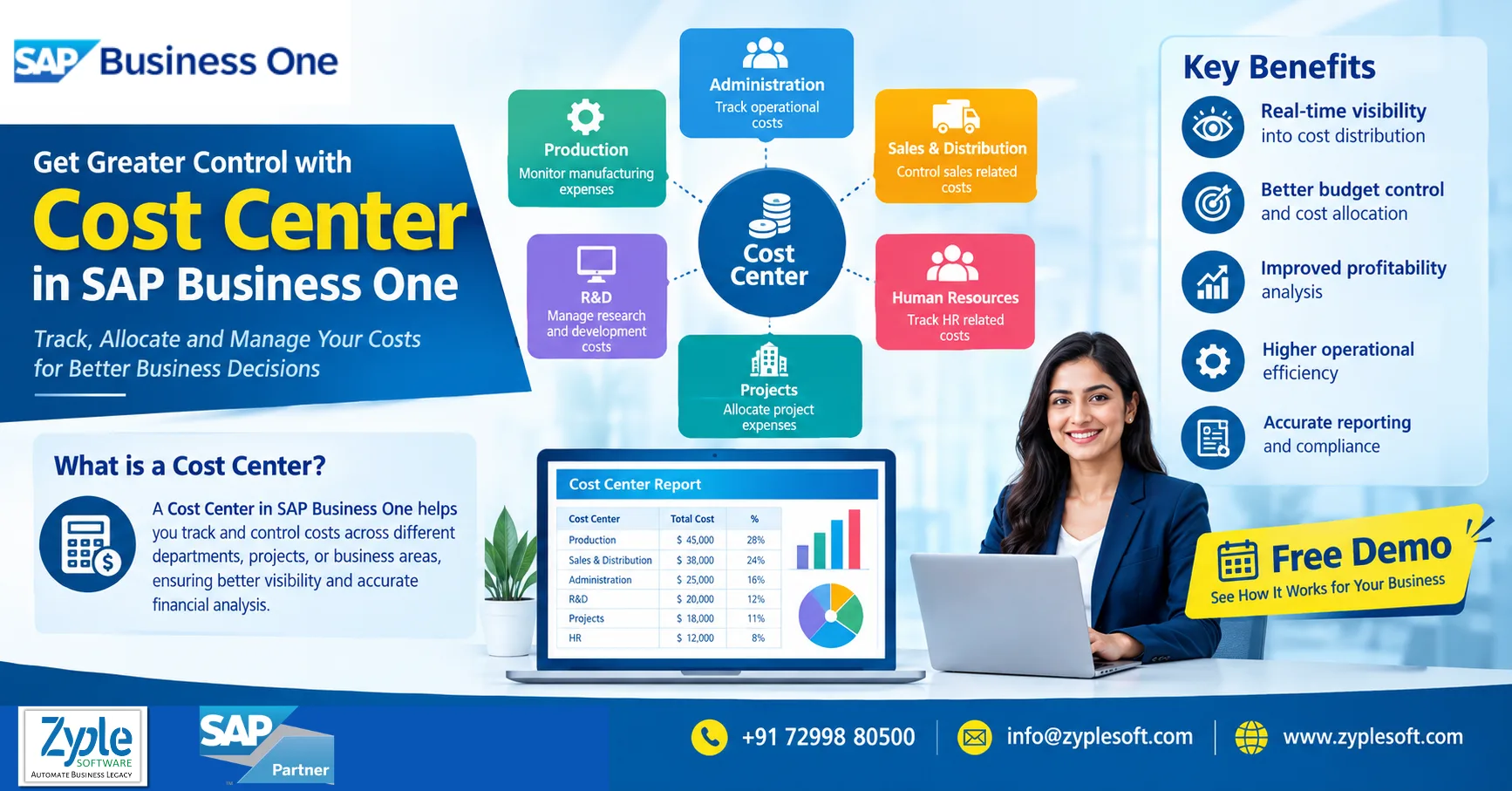
SAP Business One Cost Center helps businesses track expenses, revenues, budgets, and profitability across departments, projects, branches, locations, business units, or other internal areas of responsibility. By assigning financial transactions to the appropriate cost centers, management can understand where money is being spent and which parts of the business are generating value.
For growing companies, traditional spreadsheets often make departmental cost tracking difficult. SAP Business One provides structured financial dimensions that can help finance teams analyze transactions and prepare more meaningful management reports.
What is a Cost Center in SAP Business One?
A cost center is an internal reporting dimension used to identify and monitor costs associated with a specific department, function, project, location, or activity.
For example, a manufacturing company may create cost centers such as:
- Production
- Quality Control
- Maintenance
- Procurement
- Sales and Marketing
- Administration
- Research & Development
- Warehouse
- Logistics
- Individual production plants
When expenses are recorded, the relevant cost center can be assigned to the transaction. This allows management to analyze expenses beyond the basic general ledger account.
Example
Suppose a company pays ₹250,000 for factory electricity.
Instead of viewing the complete amount only under an electricity expense account, the business can analyze the expense by the relevant cost center or organizational dimension.
This makes it easier to answer questions such as:
- How much did the production department spend?
- Which branch has the highest operating cost?
- Are maintenance expenses increasing?
- How much does a particular project consume?
- Which business unit is exceeding its budget?
- What is the actual cost compared with the planned cost?
Why Cost Center Management Matters?
Expense Control
Management Reporting
Budget Monitoring
Profitability Analysis
Accountability
SAP Business One Cost Center Features
1. Multi-Dimensional Cost Analysis
2. Department-Wise Expense Tracking
- Finance
- HR
- Production
- Sales
- Purchase
- IT
- Administration
- Quality
- Maintenance
3. Project Cost Tracking
4. Budget vs. Actual Analysis
5. Branch and Location Analysis
- Multiple factories
- Branch offices
- Regional sales teams
- Multiple warehouses
- Project sites
- Service locations
6. Management Reporting
- Department-wise expenses
- Project-wise expenses
- Budget vs. actual
- Cost-center profitability
- Expense trends
- Branch-wise financial performance
- Business-unit analysis
SAP Business One Cost Center for Manufacturing
- Production overhead
- Machine maintenance
- Factory utilities
- Quality control
- Labour-related expenses
- Material handling
- Warehouse expenses
- Production support costs
SAP Business One Cost Center for Construction and EPC
- Projects
- Sites
- Departments
- Contractors
- Activities
- Regional offices
- Equipment
- Cost categories
Cost Center vs. General Ledger Account
Cost Center and Profit Center
Benefits of SAP Business One Cost Center Management
- Better expense visibility
- Improved departmental accountability
- More accurate management reporting
- Faster budget monitoring
- Better project cost control
- Improved financial analysis
- Easier variance identification
- Greater visibility across branches and plants
- Reduced dependency on spreadsheets
- Better support for management decisions
How Zyple Software Can Help?
- SAP Business One implementation
- Cost-center and financial configuration
- SAP B1 integration
- Industry-specific add-ons
- SAP Business One licensing assistance
- Data migration
- SAP HANA services
- Customization
- User training
- Post-implementation support
Conclusion
Frequently Asked Questions
What is a cost center in SAP Business One?
A cost center is an internal financial reporting dimension used to track and analyze costs according to departments, projects, branches, locations, or other organizational areas.
Can SAP Business One track department-wise expenses?
Cost centers provide additional financial visibility by showing where expenses are incurred. This helps businesses monitor departmental spending, budgets, projects, and operational costs.
Can cost centers be used for project accounting?
Yes. Businesses can structure financial dimensions to analyze expenses by departments and other relevant organizational areas.
Can SAP Business One compare budget and actual costs?
SAP Business One provides budgeting and financial reporting capabilities that can be used to compare planned amounts with actual financial results.
What is the difference between a cost center and a profit center?
A cost center is primarily used to monitor and analyze costs, while a profit center is used to evaluate the financial performance or profitability of a business segment.
Is SAP Business One suitable for multi-branch companies?
Yes. SAP Business One can support financial and operational management across multiple branches and locations, with appropriate configuration and reporting structures.
Can cost centers be customized for industry requirements?
Yes. The cost-center structure can be designed around the organization’s reporting requirements, such as departments, plants, projects, branches, sites, or business units.