Upgrade from Tally to SAP Business One: When Your Business Has Outgrown Tally
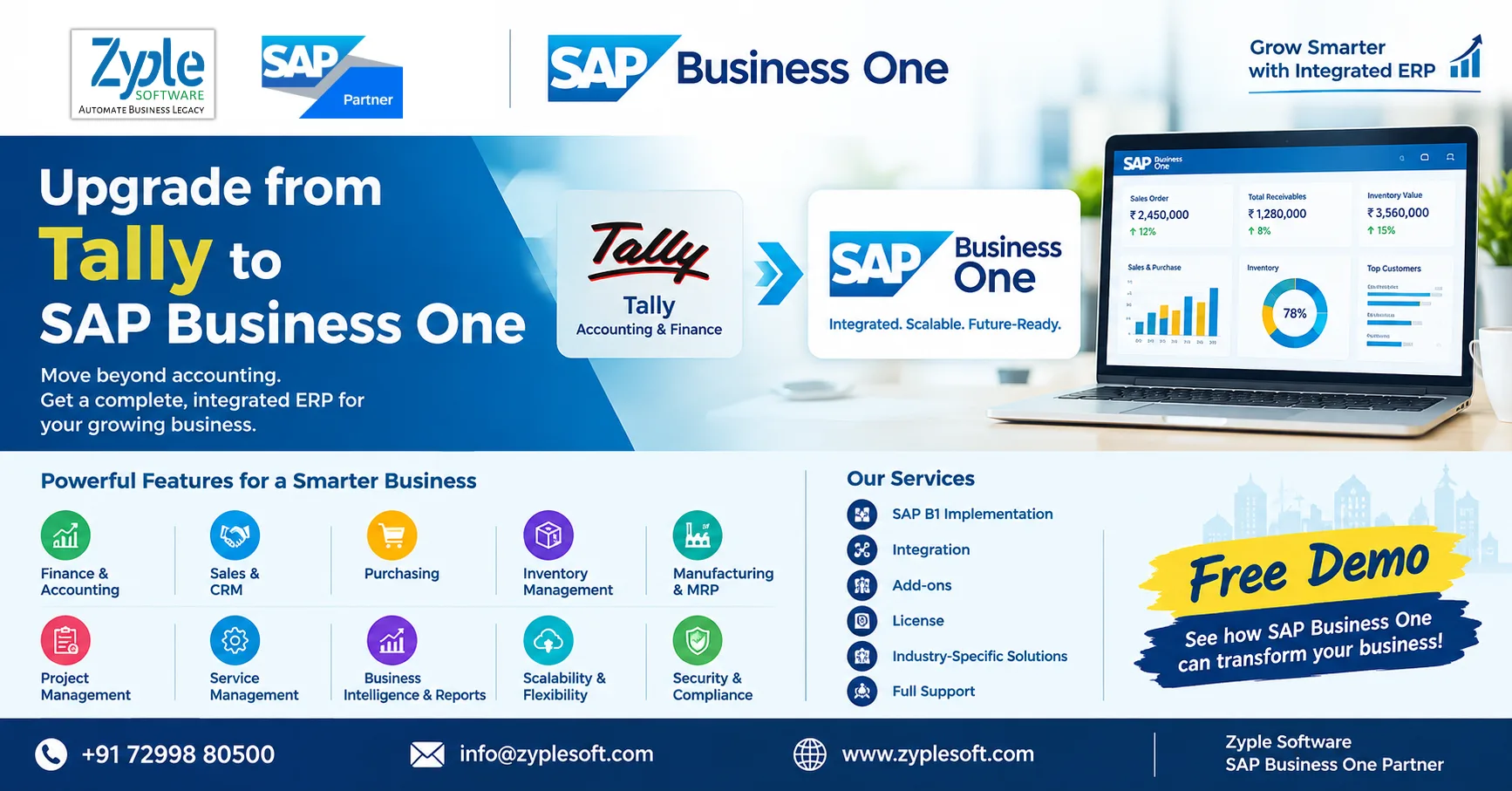
For many Indian businesses, Tally is where financial management begins. It is familiar, widely used, and effective for accounting-focused requirements.
But business growth changes the way an organization operates.
When you have multiple departments, warehouses, branches, production processes, projects, subcontractors, sales teams, purchase teams, and management reporting requirements, accounting software alone may no longer provide the visibility your business needs.
This is where SAP Business One becomes a strategic next step.
If your business is currently running on Tally + Excel + separate inventory/production/project systems, it may be time to evaluate whether an integrated ERP can give your management team better control.
Tally Works. But Has Your Business Outgrown It?
The question isn’t:
“Is Tally good or bad?”
The better question is:
“Can our current system handle the complexity of our business today?”
A growing company may start facing situations such as:
- Finance has one set of numbers while operations maintain another.
- Inventory is tracked partly in Excel.
- Production planning happens outside the accounting system.
- Purchase and sales data are disconnected from inventory.
- Project costs are difficult to monitor.
- Management waits for reports before making decisions.
- Branch-wise or warehouse-wise profitability is difficult to analyze.
- Customer and vendor information is spread across multiple systems.
- Subcontractor billing requires extensive manual work.
- Data is re-entered between different applications.
- CXOs cannot get real-time business information.
When these problems become frequent, upgrading the ERP becomes a business decision, not just an IT decision.
Why Companies Move from Tally to SAP Business One?
SAP Business One is designed to connect key business functions within one integrated ERP platform.
Instead of maintaining separate information across accounting software, Excel sheets, operational applications, and manual reports, businesses can bring critical processes together.
Typical areas include:
Finance & Accounting
- General Ledger
- Accounts Payable
- Accounts Receivable
- Banking
- Fixed Assets
- Cost Centers
- Budgeting
- Financial reporting
- GST-related processes
Sales & CRM
- Leads
- Opportunities
- Quotations
- Sales Orders
- Deliveries
- Invoicing
- Customer management
- Sales analysis
Purchasing
- Purchase Requests
- Purchase Orders
- Goods Receipts
- Vendor management
- Purchase analysis
- Supplier performance
Inventory Management
- Multiple warehouses
- Batch management
- Serial numbers
- Stock transfers
- Inventory valuation
- Stock availability
- Reorder management
Manufacturing
For manufacturing companies, SAP Business One can connect:
BOM → MRP → Procurement → Production → Inventory → Costing → Sales
This gives management much greater visibility into production and material requirements.
Project Management
For construction, EPC, infrastructure, engineering and project-driven businesses, ERP can connect:
Project → BOQ → Procurement → Material → Contractor → Billing → Cost → Profitability
This can significantly reduce dependence on disconnected spreadsheets.
Tally vs SAP Business One: What Changes?
| Business Requirement | Tally-Centric Setup | SAP Business One |
|---|---|---|
| Accounting | ✓ | ✓ |
| Financial Management | ✓ | ✓ |
| Sales Management | Limited / depends on setup | ✓ |
| CRM | Additional tools may be required | ✓ |
| Inventory | ✓ | Advanced integrated inventory |
| Multiple Warehouses | ✓ | ✓ |
| Production | Often requires additional systems / processes | Integrated manufacturing capabilities |
| MRP | Additional solution / process | ✓ |
| Purchasing | ✓ | Integrated |
| Batch & Serial Management | Available depending on setup | ✓ |
| Project Costing | Often Excel / additional tools | ✓ |
| Real-Time Management Dashboard | Limited / custom setup | ✓ |
| Multi-Department Integration | Often requires multiple tools | ✓ |
| Business Intelligence | Additional tools / customization | Integrated reporting & analytics |
| Industry Add-ons | Ecosystem dependent | SAP B1 add-on ecosystem |
| Scalability | Suitable for many SME accounting needs | Designed for growing businesses |
The biggest difference isn’t simply the number of features.
It is integration.
The Hidden Cost of Staying on Tally + Excel
One of the biggest mistakes businesses make is comparing only software license costs.
Suppose a company uses:
Tally + Excel + CRM + production software + payroll + project software + WhatsApp + custom reports
Each system may appear affordable individua
But the business can end up paying through:
- Duplicate data entry
- Manual reconciliation
- Reporting delays
- Human errors
- Inventory discrepancies
- Uncontrolled purchasing
- Poor production visibility
- Unmonitored project costs
- Management time
- Dependency on individual employees
- Difficult audits
- Delayed decision-making
Therefore, the real question should be:
“What is the total cost of running disconnected systems?”
7 Signs Your Company Should Consider Moving from Tally to SAP Business One
1. Management Depends on Excel Reports
If your CFO or CEO asks:
“Give me today’s sales, outstanding receivables, inventory value and profitability.”
And the answer is:
“We need to prepare the report.”
Your ERP may no longer be providing sufficient real-time visibility.
2. Inventory Is Becoming Difficult to Control
As SKUs, warehouses, branches and production requirements increase, inventory management becomes more complex.
Common warning signs include:
- Excess inventory
- Stock shortages
- Slow-moving inventory
- Manual stock reconciliation
- Warehouse discrepancies
- Material wastage
An integrated ERP can connect inventory with purchasing, sales and production.
3. Your Business Has Started Manufacturing
Accounting is only one part of manufacturing.
Manufacturers need visibility into:
BOM + MRP + Production + Material Consumption + Inventory + Costing + Procurement
If production data lives in Excel or another disconnected application, management may struggle to understand the actual cost and profitability of products.
4. You Have Multiple Locations
Branches, warehouses and plants create additional complexity.
Management needs answers such as:
- Which location is profitable?
- What stock is available at each warehouse?
- Which branch has slow-moving inventory?
- What are pending purchases?
- What are outstanding receivables?
An integrated ERP makes this information much easier to consolidate.
5. Projects Are Growing
For construction and EPC companies, accounting alone is not enough.
Management needs to track:
Project → BOQ → Procurement → Material Consumption → Subcontractor → Billing → Receivables → Project Cost → Profitability
This is one of the areas where specialized SAP Business One add-ons and integrations can become particularly valuable.
6. Your Team Enters the Same Data Multiple Times
If sales enters information into one system, finance re-enters it into Tally, and operations maintain another Excel file, you’re paying employees to move information instead of using it.
Integrated ERP eliminates much of this duplication.
7. The CEO/CFO Wants One Version of the Truth
Perhaps the strongest signal is this:
Different departments give different answers for the same business question.
An ERP should create a common data foundation across finance, sales, purchasing, inventory, production and operations.
SAP Business One for Different Industries
The migration from Tally to SAP Business One isn’t limited to manufacturing.
It can be evaluated by companies operating in industries such as:
- Manufacturing
- Construction
- EPC
- Real Estate
- Engineering
- Pharma
- Jewellery
- Textile
- Apparel
- Retail
- Food & Beverage
- Automotive
- Aerospace & Defence
- Solar & Renewable Energy
- Mining
- Chemicals
- Infrastructure
- Distribution
- Trading
Each industry has different requirements.
That is why the right SAP Business One implementation should be designed around the company’s processes, reporting requirements, integrations and industry-specific workflows.
What Happens During a Tally to SAP Business One Migration?
Moving from Tally to SAP Business One isn’t simply a matter of installing new software.
A successful ERP transition generally involves:
1. Business Process Study
Understand how the organization currently handles:
- Finance
- Sales
- Purchase
- Inventory
- Production
- Projects
- Service
- Approvals
- Reporting
2. Gap Analysis
Identify where the current system falls short and what SAP Business One needs to address.
3. Data Migration Planning
Determine which information should move into the new ERP.
Typical data may include:
- Customers
- Vendors
- Items
- Opening balances
- Inventory
- Outstanding receivables
- Outstanding payables
- Price lists
- Bills of materials
- Historical/reference data
4. SAP Business One Configuration
Configure the ERP according to the company’s requirements.
5. Integration & Add-ons
Connect required systems such as:
- GST/e-invoicing
- E-commerce
- Banking
- CRM
- Payroll
- Manufacturing/MES
- Weighbridge
- CCTV/security gate
- Project management
- Industry-specific applications
6. User Training
Employees need to understand not only how to use SAP Business One, but also how their processes change.
7. Testing
Business scenarios should be tested before go-live.
8. Go-Live & Support
After implementation, the ERP partner should continue supporting users, processes, integrations and optimization.
Don’t Migrate Everything Blindly
A Tally-to-SAP Business One migration is also an opportunity to clean up your data.
Before migration, businesses should identify:
- Duplicate customers
- Duplicate vendors
- Inactive items
- Incorrect item masters
- Old price lists
- Unused accounts
- Incorrect opening balances
- Outdated customer information
Bad data migrated into a new ERP becomes bad data in a more powerful ERP.
Data cleansing should therefore be part of the migration strategy.
How Much Does It Cost to Move from Tally to SAP Business One?
There is no single SAP Business One implementation price for every company.
The total investment can depend on:
- Number of users
- User types/licenses
- Cloud or on-premise deployment
- Database/platform requirements
- Number of locations
- Manufacturing complexity
- Integrations
- Industry-specific requirements
- Add-ons
- Data migration
- Customization
- Implementation scope
- Training
- Support requirements
Therefore, companies should avoid selecting an ERP purely on the lowest quoted license price.
Instead, evaluate:
License + Implementation + Add-ons + Integration + Training + Support + Long-Term TCO
Why Zyple Software for Tally to SAP Business One Upgrade?
Tally to SAP Business One: Is It Time?
Ready to Evaluate Your Tally-to-SAP Business One Migration?
- Current Tally setup
- Business process gaps
- SAP Business One fitment
- Required modules
- User/license requirements
- Industry-specific add-ons
- Integrations
- Data migration requirements
- Implementation scope
- Estimated investment
- Implementation roadmap
Get a Free SAP Business One Consultation
FAQ: Tally to SAP Business One
Can I migrate from Tally to SAP Business One?
Yes. Businesses can plan migration of relevant master data, opening balances, outstanding transactions and other required information as part of an SAP Business One implementation and data migration project.
Is SAP Business One better than Tally?
They serve different purposes. Tally is widely used for accounting and financial management, while SAP Business One provides a broader integrated ERP platform covering finance, sales, purchasing, inventory, production, CRM, service and other business processes.
How long does Tally to SAP Business One migration take?
The timeline depends on company size, number of users, locations, modules, integrations, customizations, data quality and implementation scope. A proper business-process assessment is required before providing a realistic timeline.
Can manufacturing companies migrate from Tally to SAP Business One?
Yes. Manufacturing companies can use SAP Business One for processes such as BOM management, MRP, purchasing, inventory, production, costing and sales.
Can construction companies move from Tally to SAP Business One?
Yes. Construction and EPC organizations can implement SAP Business One with suitable configurations, integrations and industry-specific add-ons for project, procurement, contractor, billing and cost-management requirements.
Can I keep Tally after implementing SAP Business One?
The approach depends on the company’s migration strategy and business requirements. Some organizations may operate systems in parallel temporarily during transition, while others fully migrate after successful testing and go-live.
What should I check before choosing an SAP Business One partner?
Evaluate the partner’s SAP Business One experience, industry understanding, implementation methodology, migration capability, integration expertise, add-on capabilities, training approach, support model and relevant customer experience.